WhatsApp Bulk Sender, Auto-Reply
& Bot — on your own number
Send personalised campaigns to your customers, answer them automatically and see every reply — from an app on your Android phone or Windows PC. No new number, no Meta approval, no per-message charges.
Reach every customer on WhatsApp — without typing each message
Your customers open WhatsApp messages within minutes. The DevShree WhatsApp Bot lets a shop, clinic or school use that properly: one message written once, personalised for every name, sent at a safe pace from the number your customers already know.
Everything in the app
Built and run by Dev-Shree — the app, the server behind it and the portal. Every plan includes the Bulk Sender, auto-reply, media and the Message Centre.
Bulk campaigns
Send to an Excel or CSV list, contacts picked from your phone, a .vcf file, a saved group, or numbers you paste in.
Personal, not copy-paste
Fill in {{Name}} or any column, rotate greetings like {Hi|Hello|Namaste}, and write up to five versions of a message.
Photos, PDFs and videos
Attach a poster, a price list or a short video to any campaign. Pictures and documents customers send back arrive too.
Safe sending speed
Safe, Normal or Fast speed, your own sending hours and a daily cap per number. The campaign pauses itself if WhatsApp says slow down.
Up to 3 numbers per device
Run a campaign on each number at the same time, or share one big list across several numbers, each at its own speed.
Auto-reply rules
Keyword replies answer the usual questions instantly — on the same number the customer wrote to.
STOP and START
Anyone who replies STOP to any of your numbers never gets a campaign again. START lets them back in.
Message Centre
Every message sent and received on this device's numbers in one place, searchable by number.
Campaign reports
Each campaign keeps a per-number log — mobile, message, time and status — that you can open and export from the portal.
Preview and test first
Save, preview exactly what each person will receive, and send a test to yourself before the real thing.
API and webhooks
On Pro, your own software sends OTPs, order updates and reminders through your number, and receives replies by webhook.
Plan and UPI in the app
Check your plan, renew it and apply a promo code from inside the app. Pay with any UPI app.
From download to first campaign
Four steps, all from your phone or PC. No developer, no Meta paperwork.
Download the app
The Android APK for your phone or the Windows setup for your PC — or both. One account works on either.
Create your account
Name, email and your WhatsApp mobile. A 6-digit code arrives on WhatsApp.
Scan the QR code
On your phone: WhatsApp → Linked devices → Link a device. Your own number is now connected, the same way WhatsApp Web is.
Send your first campaign
Choose who gets it, write the message, preview, send a test to yourself — then press Start and watch the report fill up.
Get the app
Free to download. One account works on both — use your phone, your PC, or both together.
Android phone
- Pick campaign contacts straight from your phone book
- When asked, allow "Install unknown apps" for your browser
- Keep the phone on Wi-Fi or mobile data while a campaign sends
Windows PC
- Runs in the background — keep the PC on while a campaign sends
- Import contacts from Excel, CSV or a .vcf file from your phone
- If Windows says "Windows protected your PC": More info → Run anyway
After installing: open the app → Create account (or Log in) → scan the QR with your WhatsApp. Step-by-step guide on the download page.
Simple plans. Start free.
Every plan includes the Bulk Sender, auto-reply, photos and PDFs, and the Message Centre. Pay by UPI from any app.
STANDARD
Billed monthly · no auto-renewal
- Bulk Sender — Excel, contacts, groups
- Photos, PDFs and videos
- Auto-reply rules + STOP list
- Message Centre
- API for your own software
- Webhooks (delivery + replies)
StartUp Standard
Billed monthly · no auto-renewal
- Bulk Sender — Excel, contacts, groups
- Photos, PDFs and videos
- Auto-reply rules + STOP list
- Message Centre
- API for your own software
- Webhooks (delivery + replies)
Compare all plans
| Feature | STANDARD | StartUp Standard |
|---|---|---|
| WhatsApp numbers | 3 | Unlimited |
| Devices (PC / phone) | Unlimited | Unlimited |
| Messages per day | 600 | 1,000 |
| Messages per month | 10,000 | Unlimited |
| Bulk Sender — Excel, contacts, groups | Yes | Yes |
| Photos, PDFs and videos | Yes | Yes |
| Auto-reply rules + STOP list | Yes | Yes |
| Message Centre | Yes | Yes |
| API for your own software | Yes | Yes |
| Webhooks (delivery + replies) | Yes | Yes |
Pay by UPI. Any UPI app. Enter the transaction ID after paying — your plan switches on once our team verifies it.
Have a promo code? Enter it when you create your account or at checkout.
Need the official API? Green tick, templates, high volume — see the enterprise service.
Your own WhatsApp — linked like WhatsApp Web
The app links to the WhatsApp on your phone through Linked devices, exactly as WhatsApp Web does. Messages go out from your number, replies come back to your number, and WhatsApp on your phone keeps working as usual.
Campaigns run on your own PC or phone, so your contact lists and saved groups stay on that device. Dev-Shree keeps your account, plan and payments, and the campaign report — number, time and status for each message — so you can check delivery in the portal.
Who uses it, and for what
If your customers have WhatsApp — and they do — there is a message they are waiting for.
Shops & Retail
Festival offers, new-stock alerts, order-ready messages and a catalogue PDF on request.
Clinics & Labs
Appointment reminders, follow-up nudges and report-ready messages to patients.
Schools & Coaching
Fee reminders, holiday notices, test schedules and results to parents.
Real Estate
New-project brochures, price sheets and site-visit reminders to your enquiry list.
Finance Advisors
SIP and premium reminders, birthday wishes and document requests to clients.
Restaurants & Caterers
Weekend menus, festive offers and order confirmations to regulars.
NGOs & Communities
Event invitations, donation appeals and volunteer updates to members.
Dealers & B2B
Price lists, scheme announcements and dispatch updates to your dealer network.
Need the official WhatsApp Business API?
For a verified business profile, Meta-approved templates, WhatsApp OTP and high volumes, we run the official Meta Cloud API on the same platform that powers the app. Your software calls a handful of REST endpoints; we handle Meta, the queue, delivery receipts and webhooks.
Quoted per project after a short call. Meta's own conversation charges are billed to you by Meta, at cost.
-
POST
/api/v1/whatsapp/send-otpSend a one-time code over WhatsApp -
POST
/api/v1/whatsapp/verify-otpVerify the code the user typed -
POST
/api/v1/whatsapp/send-templateSend an approved template with variables -
POST
/api/v1/whatsapp/send-textFree-form text inside the service window -
GET
/api/v1/whatsapp/message/{id}Full record and status history -
GET
/api/v1/usageVolume and quota by channel
Each step is timestamped and kept, so every message can be traced by its id.
Know a business owner who needs this?
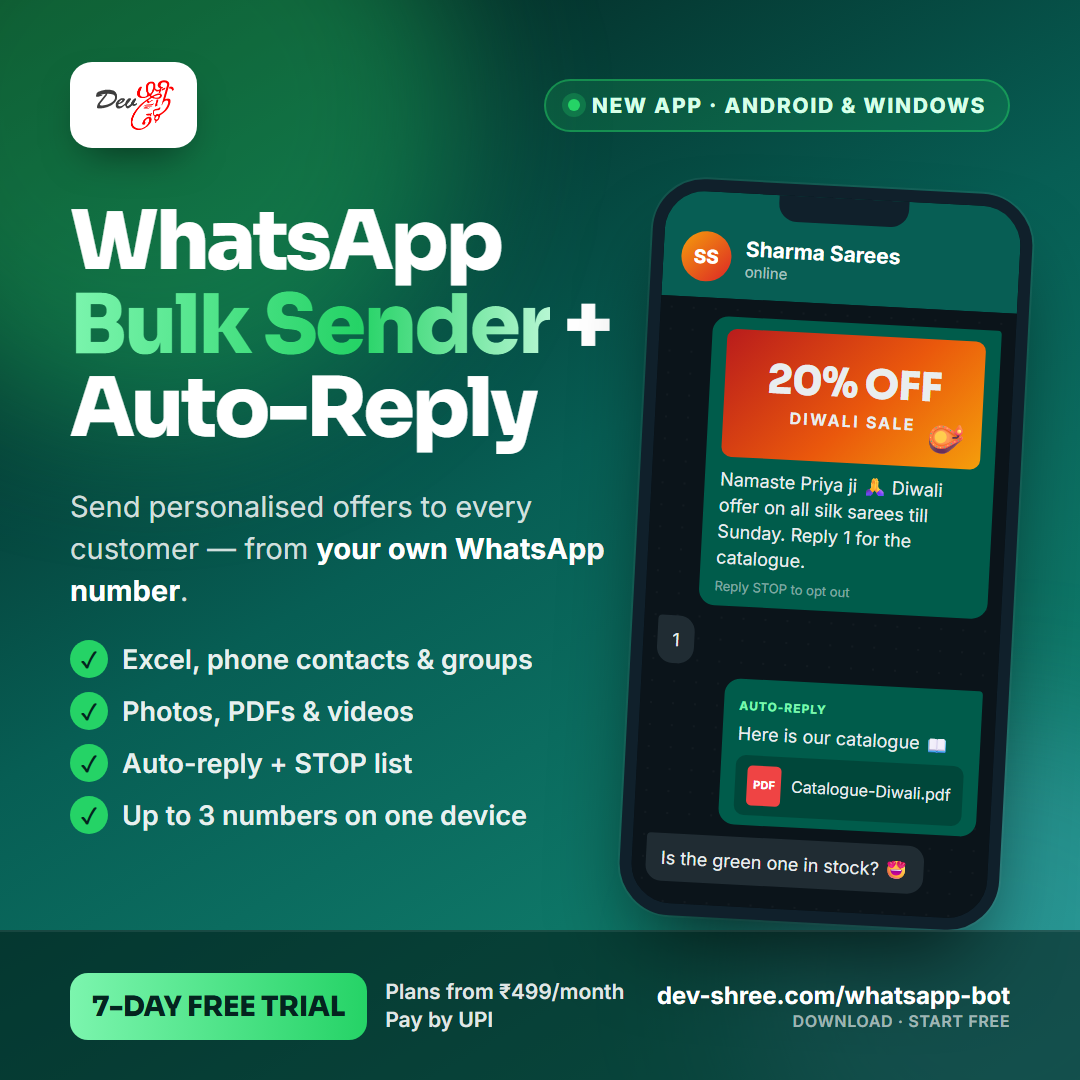
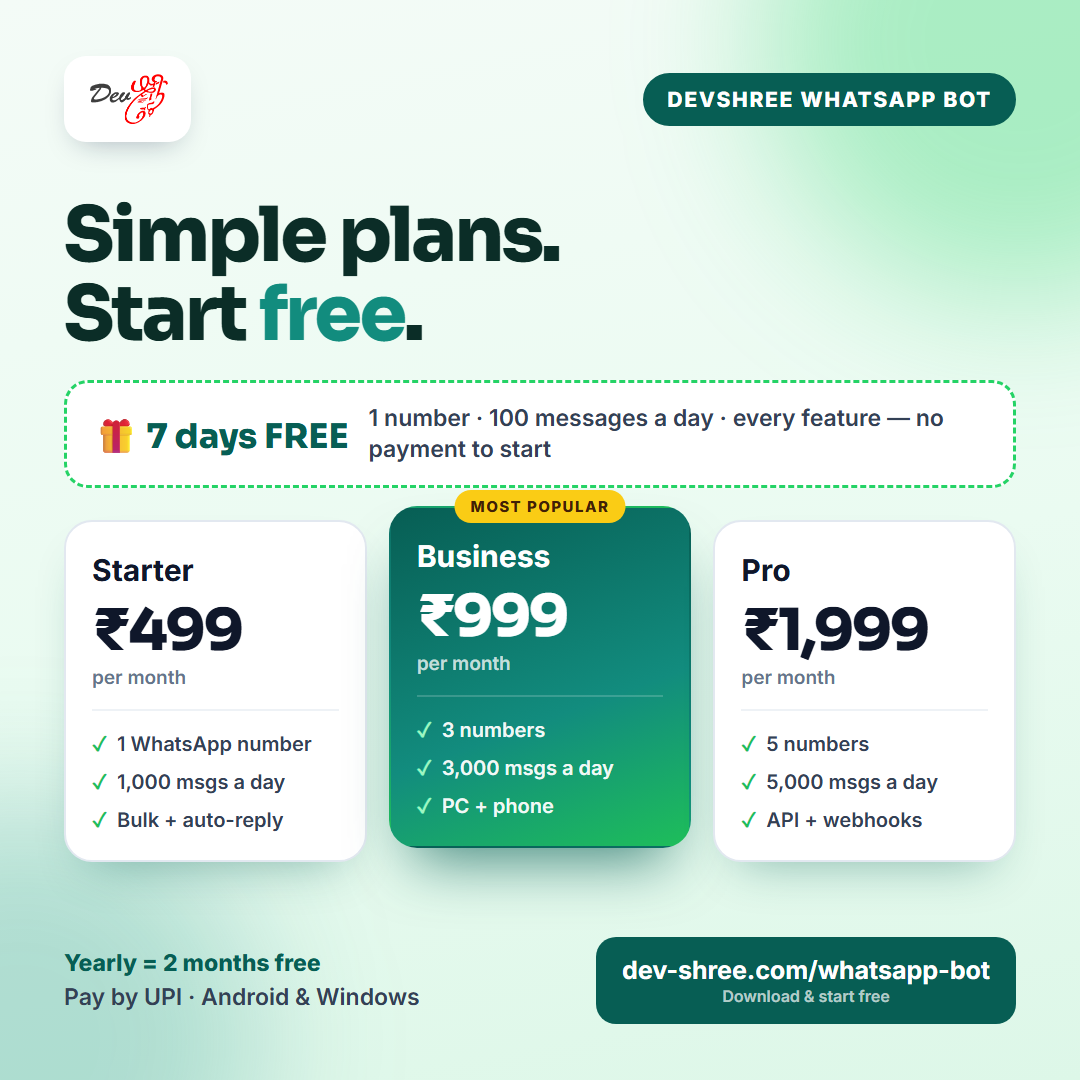
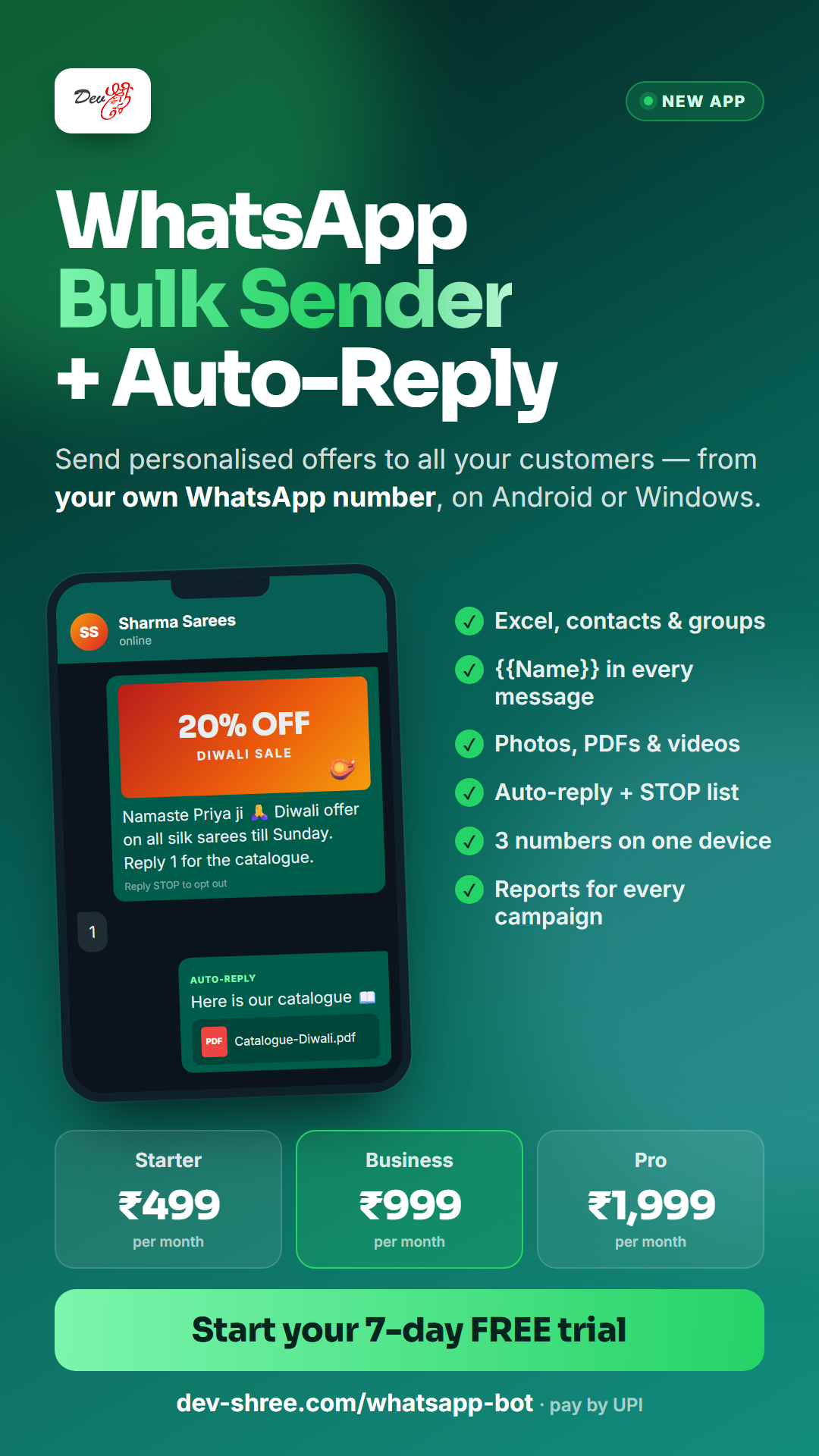
Send them the link, or post one of these banners on WhatsApp Status, Instagram or Facebook.
Questions we get asked
The app is not. It links to the WhatsApp on your phone through Linked devices — the way WhatsApp Web does — so it works on the number you already have, without any Meta approval. If you need a verified business profile, Meta-approved templates and high volumes, we also run the official WhatsApp Business API as a separate managed service (see "For enterprises" above).
WhatsApp decides that, not the app: numbers get restricted when many people block or report them. Send only to people who know your business, start slowly on a new number, keep the STOP option in your messages and spread big lists across several numbers. The app enforces your speed, sending hours and daily cap, and pauses the campaign itself if WhatsApp says there are too many messages.
Yes, while a campaign is sending — campaigns run on your own device, not on our server. The phone whose WhatsApp you linked does not need to stay online, but open WhatsApp on it every few days so the link stays active, as with WhatsApp Web.
Message us on WhatsApp and our team will set up your account and start your free trial — no payment needed to start. Buy a plan whenever you are ready.
By UPI, from any UPI app — Google Pay, PhonePe, Paytm or your bank's app. After paying, enter the UTR / transaction ID on the payment page. Your plan is switched on as soon as our team verifies the payment. Plans are prepaid for a month or a year and never renew automatically, so there is nothing to cancel.
Yes. One PC or phone runs up to three numbers — your main number plus two campaign numbers. Your plan sets how many numbers your whole account may use (3 on STANDARD).
Contact lists and saved groups stay in the app on your device. For every message sent, the campaign report — number, time and status — is kept in your portal so you can check delivery and export it.
Yes, on the Pro plan. Your software calls our REST API (PHP SDK and cURL examples included), the message goes out from your linked number, and replies and delivery updates come back to your webhook. OTPs, order updates and payment reminders are the usual uses.
The installer is new and not yet code-signed, so Windows SmartScreen warns about it. Click More info, then Run anyway. Download it only from this page or api.dev-shree.com.
Start sending today
Download the app, create your account and scan the QR — your first campaign can go out within minutes.